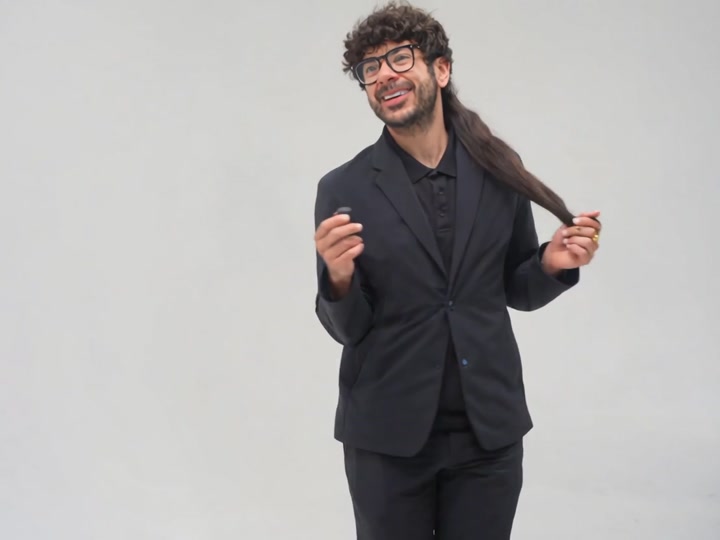
Can You Make It Clap AI
Cast yourself and a friend in the Can You Make It Clap AI studio scene. One turns and poses with the handbag; the other cannot keep a straight face. Add one photo for each role.
Can You Make It Clap AI is the two-person reaction meme also captioned “oh you can make it cap,” “you tweaking” and “oh he tweakin.” One character turns and poses; the other reacts with an exaggerated laugh. This template generates a new studio scene from two photos, delivered without the original dialogue or sound.
What is the Can You Make It Clap AI trend?
The quoted exchange circulated as a dating-show clip in 2024. “Clap” is the spoken wording, while “cap” appears in captions and searches for AI remakes. Those spellings can point to the same joke rather than two different videos.
Creator parodies give the two parts to unexpected pairings, from basketball personalities and referees to wrestlers. Your own pairing can be just as simple: the friend who loves the camera and the one who laughs at every take.
Sources: TikTok — @maxxcan2’s basketball-and-referee parody · TikTok — @tbooogss’s wrestling-personality parody
You Tweaking: who gets the reaction?
The two roles do different jobs. The turning character provides the pose; the laughing character supplies the response. Pick the friend who would enjoy each part, then check the upload labels so the portraits go to the intended characters.
A pair does not need matching clothes. The contrast can be the whole point: a serious outfit opposite a casual one, or the quiet friend opposite the person who laughs at everything. Clear portraits matter more than an elaborate costume.
The sound is a separate choice
Much of the original joke lives in the spoken exchange and laugh. This download is silent. If you want that exchange under your post, find an available sound in the posting app and adjust its timing there. This template does not synthesize the quoted dialogue or clone either speaker’s voice.
Set up the turn and the reaction
The one reacting
One clear portraitThe one with the handbag
One clear portraitAssign the two parts
Decide who should turn and who should react. The roles stay distinct even when the video alternates between them.
Choose your pairingFill both photo slots
Add one clear portrait to each labeled role. Include the head and upper body; avoid hands or hair covering the face.
Both uploads requiredCheck each face, the hands and the movement. Save the silent clip, then choose a sound in your posting app.
Review your studio scene
Check the two identities and the reaction gestures. Download the silent clip and add the meme sound separately if you want it.
10 creditsA studio exchange built around two characters
Pose, then reaction
A plain white studio and alternating close-ups put the turn, pose and laugh at the center of the joke.
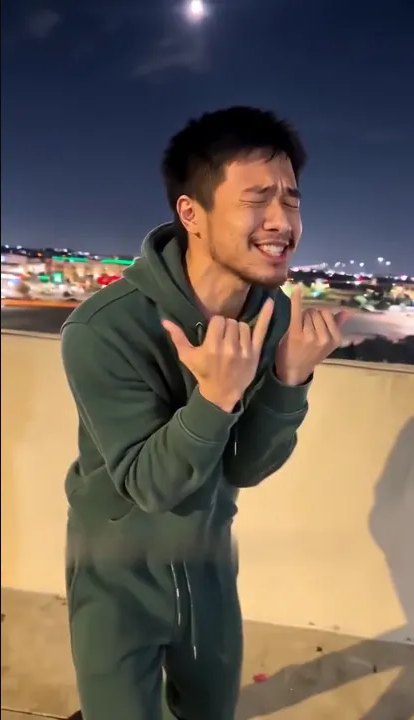
Show the face and outfit
Use the portrait example as a framing guide. A visible face and upper body give each studio character an appearance to work from.
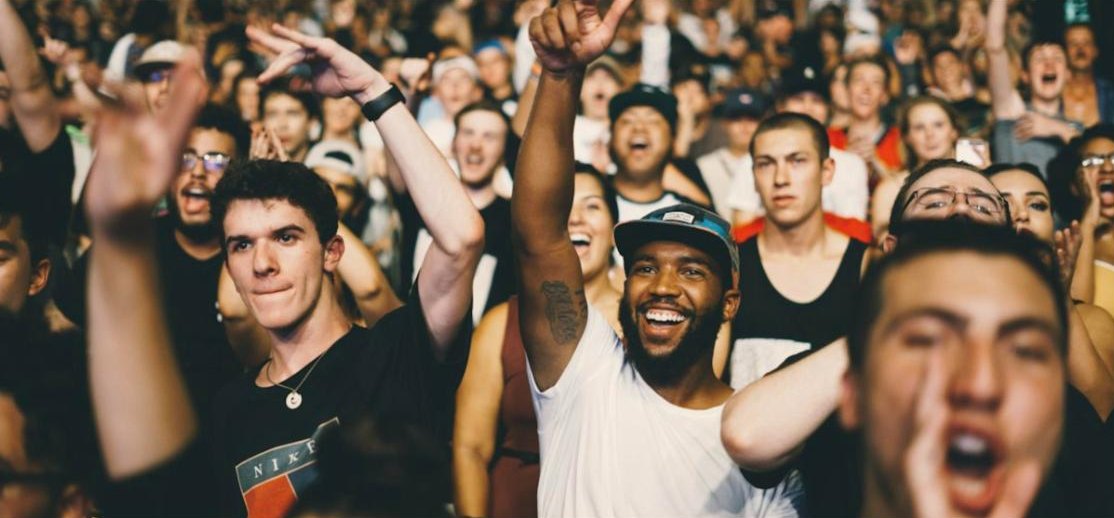
Avoid unclear pairings
A distant group shot does not assign the two parts. Use separate photos for the reacting character and the turning character.
● RECPick who turns and who reacts
Give the confident pose to one person and the laughing reaction to the other. Check both upload labels before you start.
Add the exchange separately
Choose an available meme sound in your posting app and line up the turn and reaction. Your download has no dialogue or laugh track.
Caption the pairing
Use a caption to explain why these two belong in the scene. The text below is not added as speech or subtitles.
Prepare portraits for expressive close-ups
What's new
Can You Make It Clap FAQ
7 questions about the Can You Make It Clap AI template. Still stuck? Email support@airapping.video.
Is Can You Make It Clap the same as “make it cap”?−
The captions overlap. Clap refers to the quoted line; cap is a spelling used for AI remakes of the exchange. Check the studio scene rather than relying on the spelling alone.
Which photo goes to which character?−
Follow the labels on the two upload slots: one is the turning character and the other is the laughing reaction. Both photos are required.
Can I play both parts?−
Yes. Add a separate portrait to each slot, including two portraits of yourself if that is the pairing you want.
Does the download say “oh he tweakin”?−
No. The clip is silent and does not generate that dialogue. Add an available version of the sound separately in your social app.
Will it reproduce every cut of the source?−
It creates a new studio scene from your two portraits rather than replacing faces frame by frame in the source video. Cuts and gestures can differ.
How long is the clip and how much is it?−
Your clip is 15 seconds at 10 credits. Packs start at $9.99. There is no custom rap option on this page.
Do the photos need the same background?−
No. Use a separate, clearly lit portrait for each person. The video puts both characters into the studio, so you do not need to photograph them together.
More Comedy templates
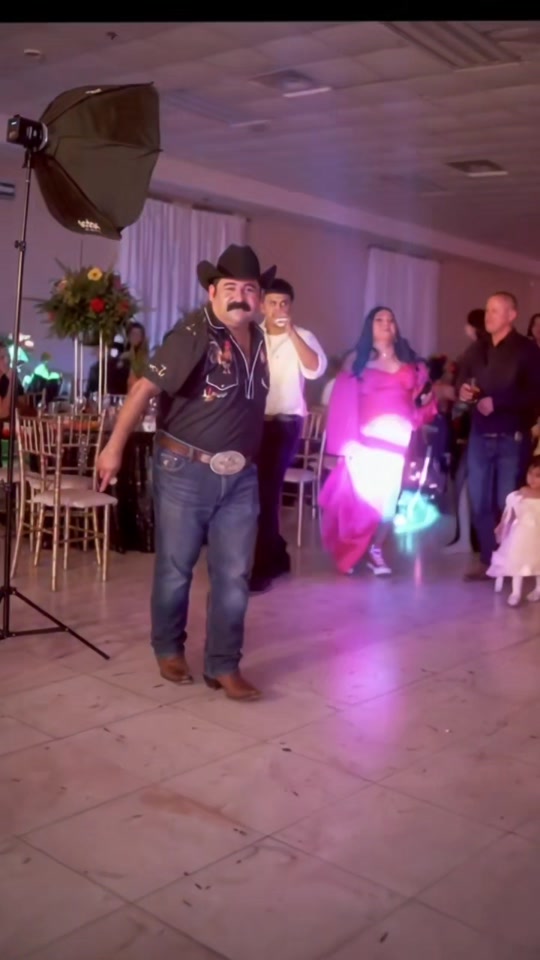
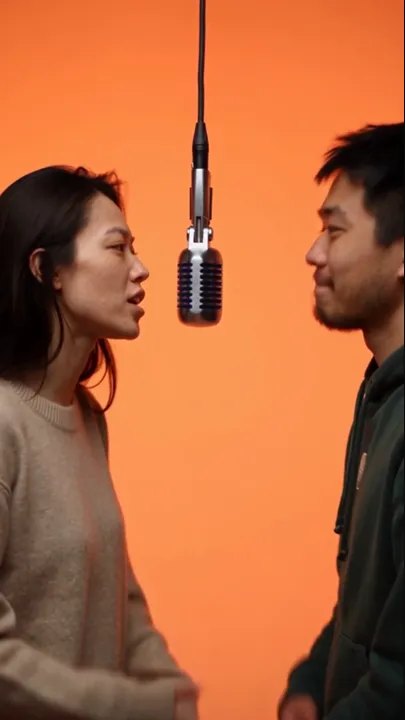
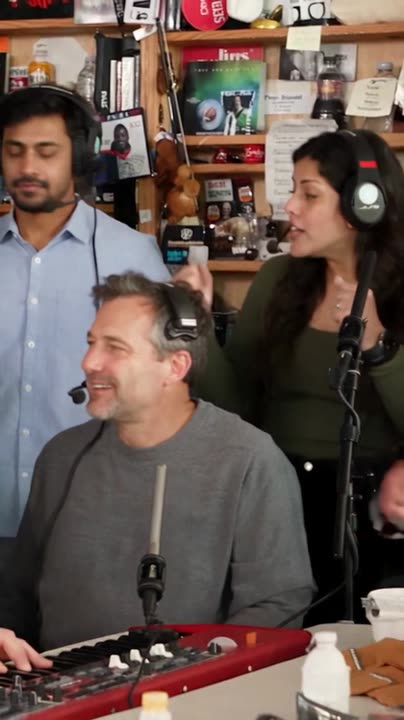
Browse every template on the AI rap video maker, or write a whole song first with the AI rap generator.
AI Rapping is independent of the source show. Use portraits with permission.
Pick your turn-and-laugh duo
Give each character a portrait and check the role labels before you start.
Create our reaction scene