AI Halloween Costume Generator
Upload one photo and try on an AI Halloween costume in movie quality, then post it as the "I'm sorry I lied" costume reveal everyone is doing on TikTok.
4 credits for 5 slides · new accounts get 5 free credits
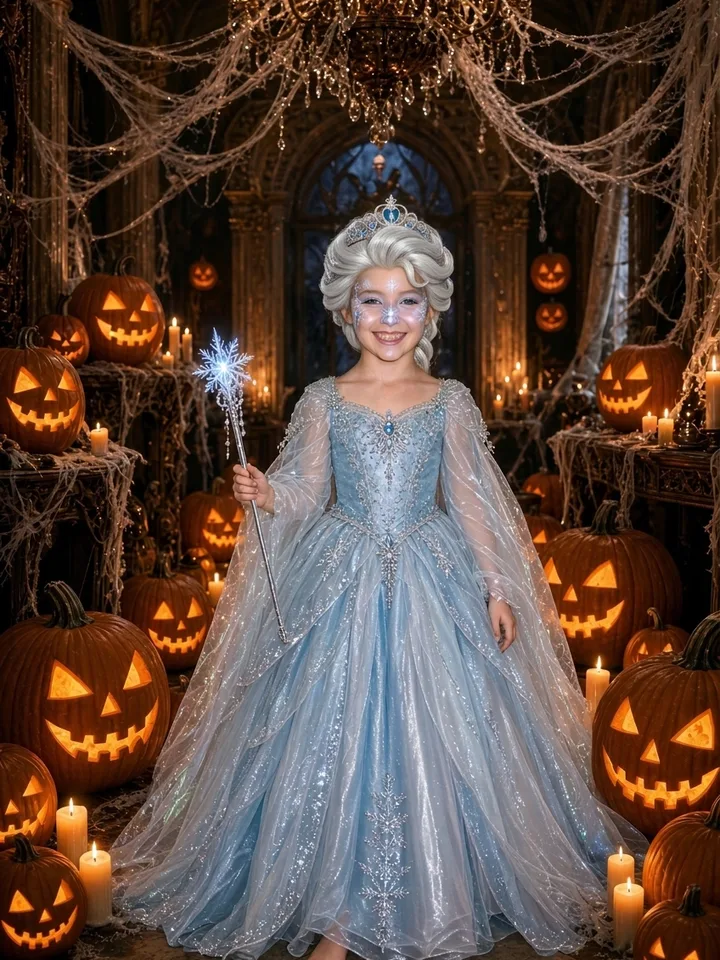
this was my halloween costume
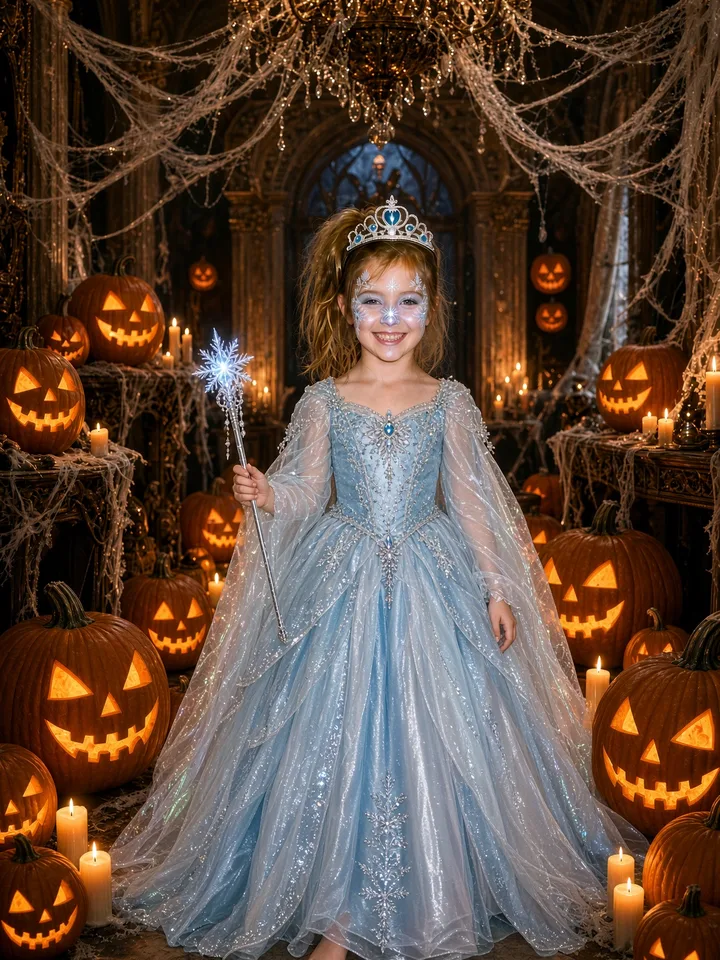
ok i lied, my wig wasn't that good
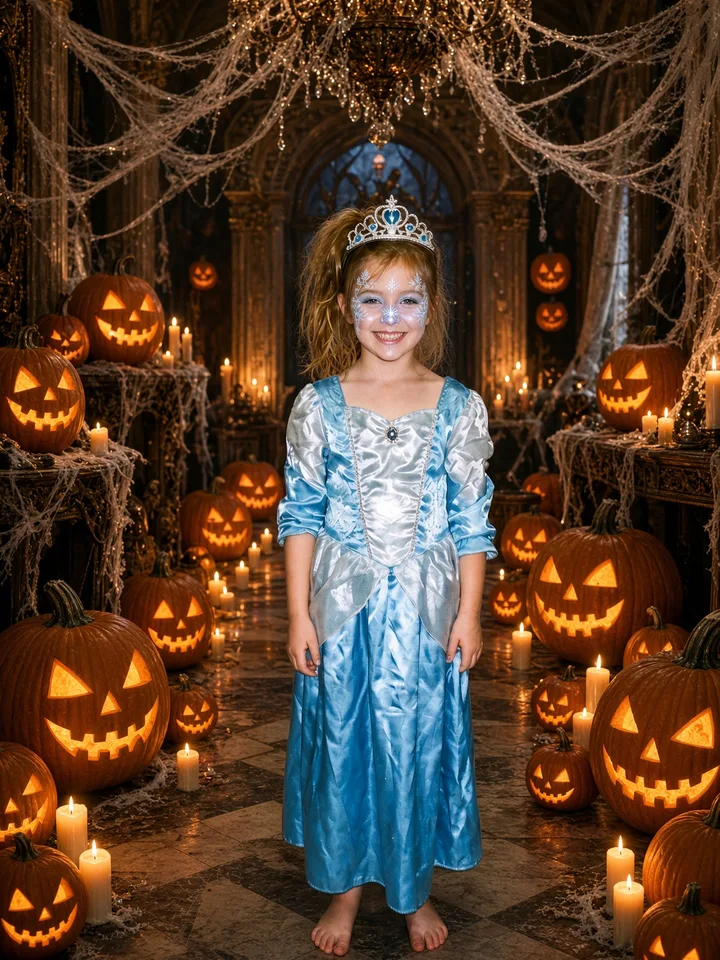
my costume wasn't that expensive either
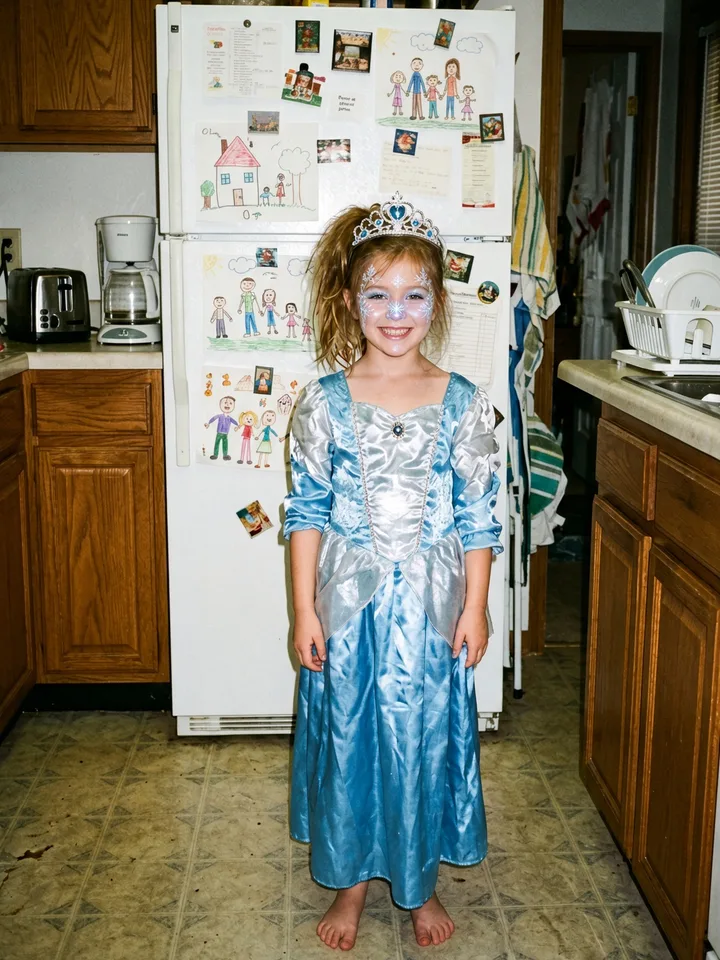
and it wasn't a fancy party
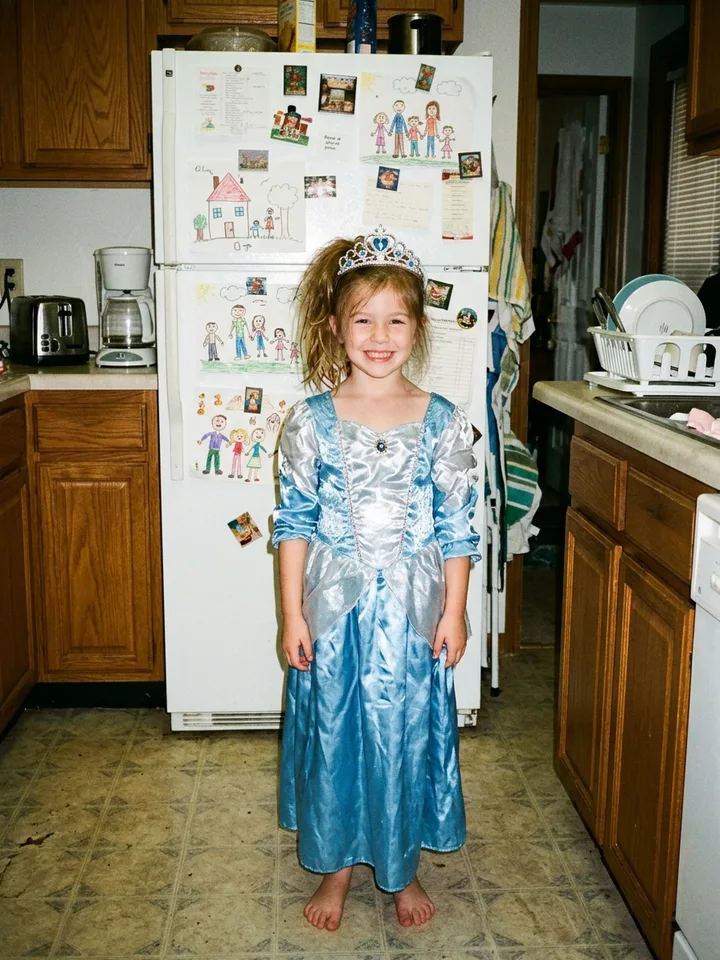
i'm so sorry
Your photo
One clear photo of one person. It is also the last slide.
Words on each slide
Tap to change what a slide says.
- Slide 1
- Slide 2
- Slide 3
- Slide 4
- Slide 5 · Your real photo
Now make it move
Use the same photo to star in a Halloween video: lead the zombie crowd in the Thriller dance, or tiptoe in the Rumpelstiltskin costume.
Costume reveal examples
Every set below was made by this tool from one photo of a person who does not exist. Slide 1 is the full AI costume; each next slide takes one thing back; the last one is the real photo.
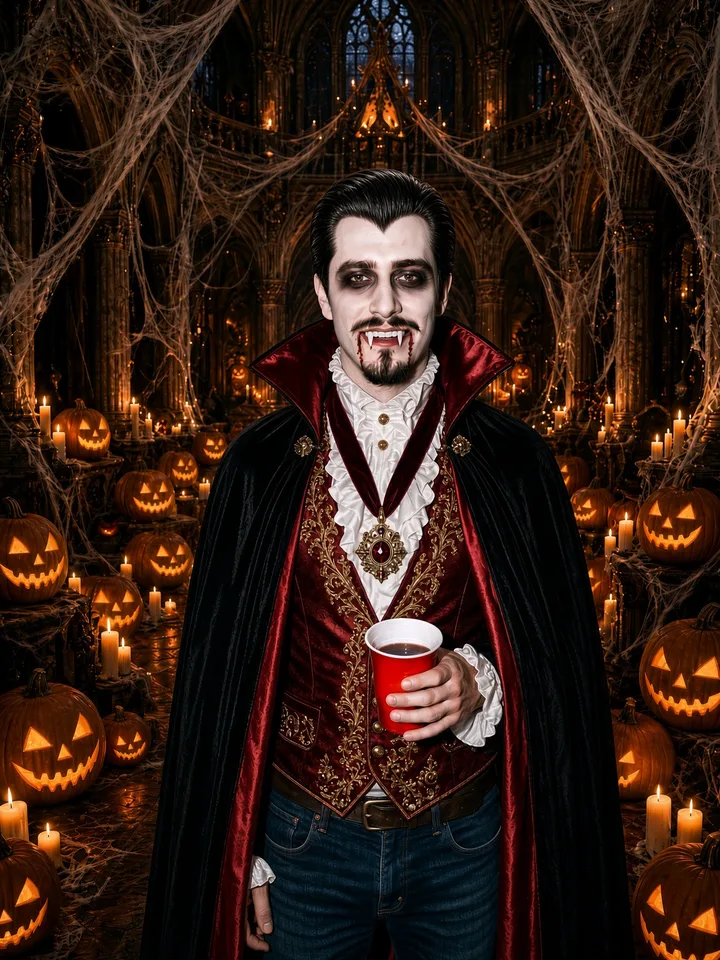
this was my halloween costume
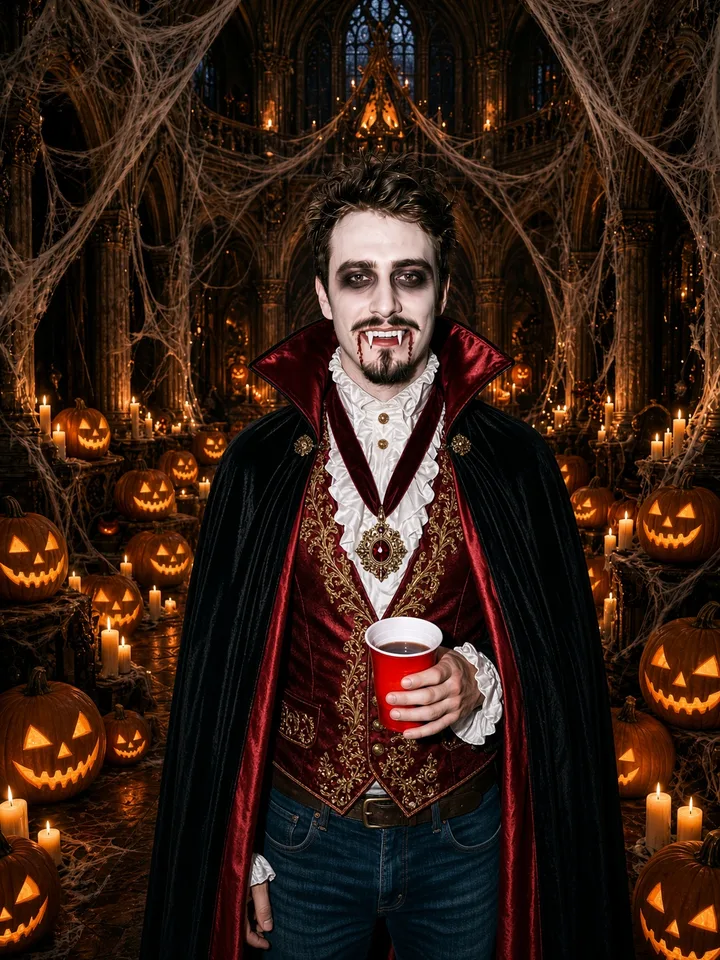
ok i lied, my wig wasn't that good
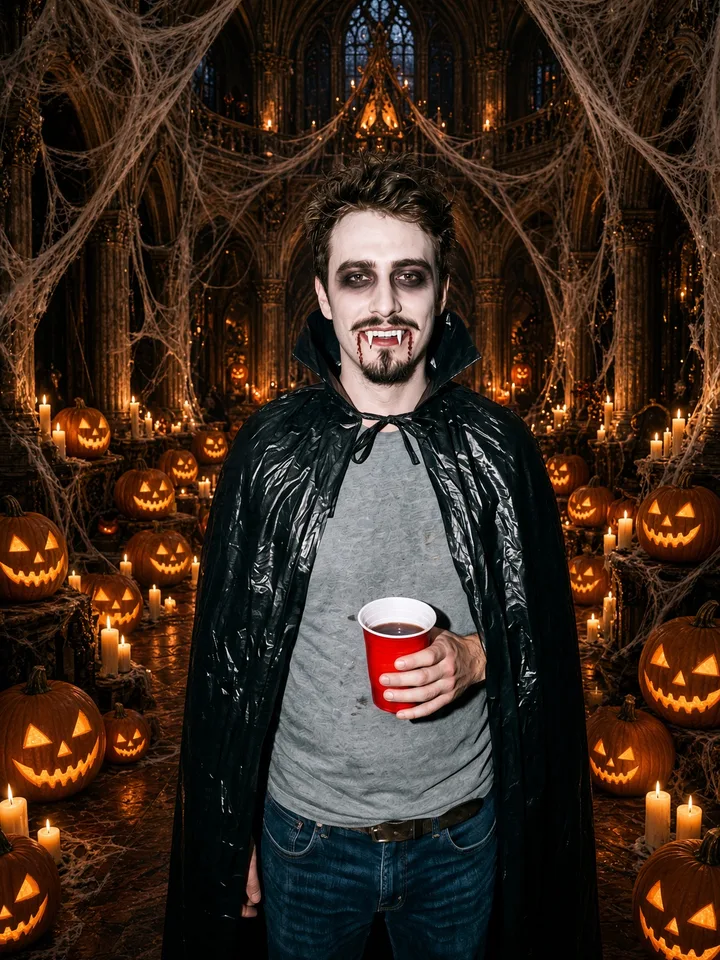
my costume wasn't that expensive either
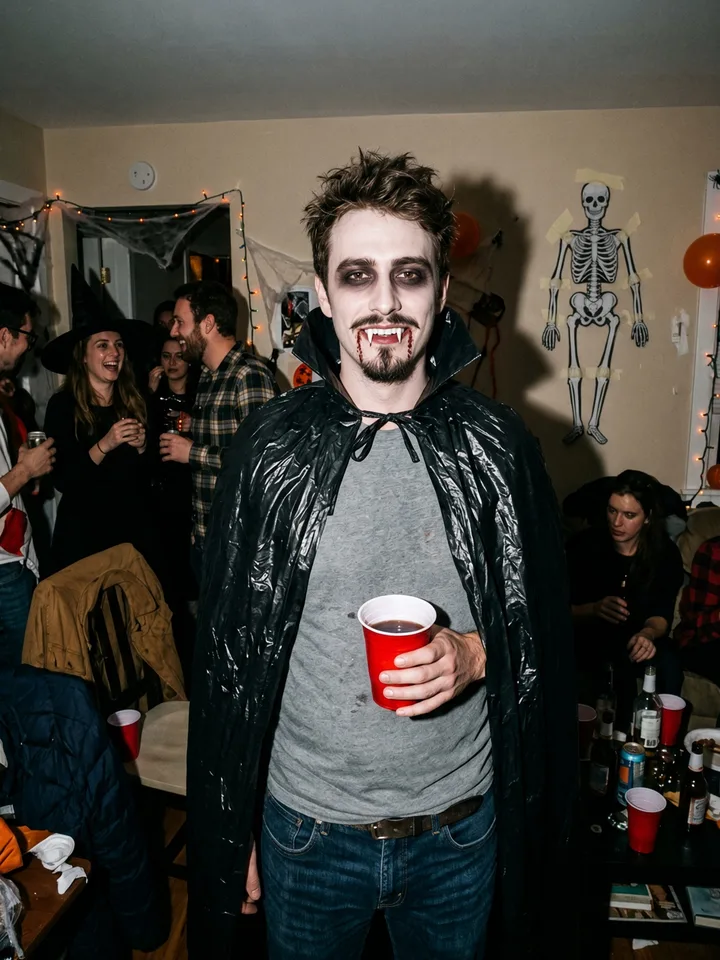
and it wasn't a fancy party

i'm so sorry
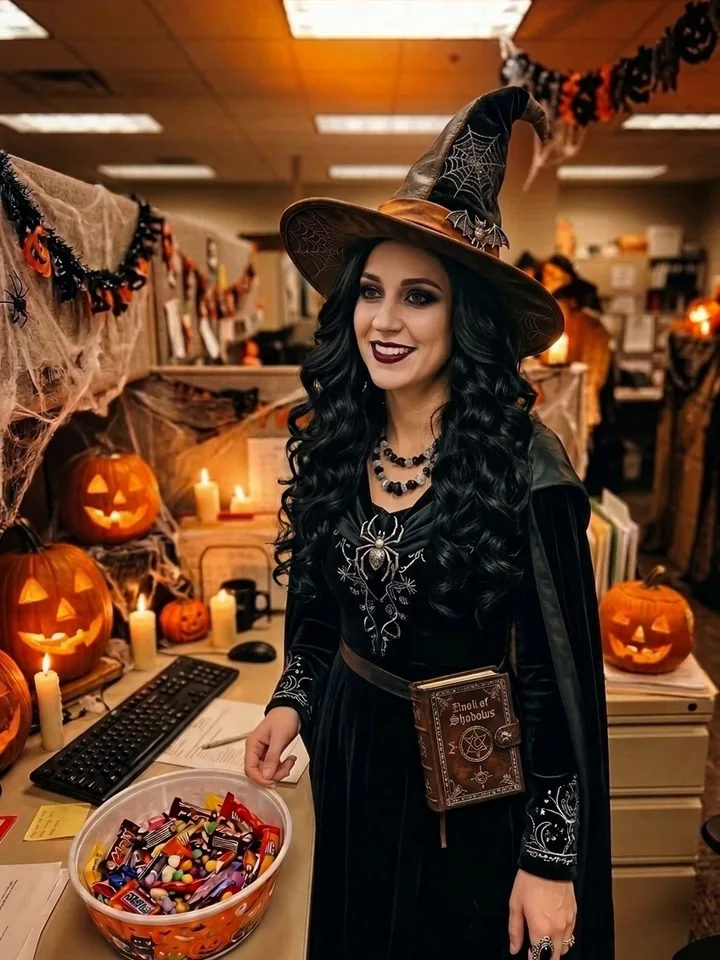
this was my halloween costume
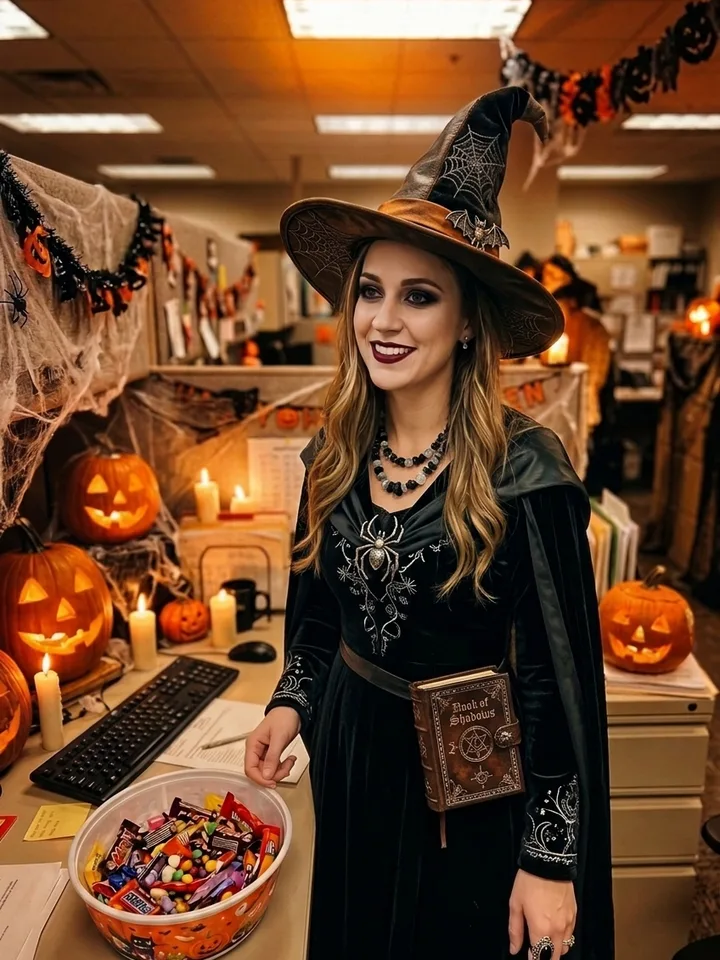
ok i lied, my wig wasn't that good
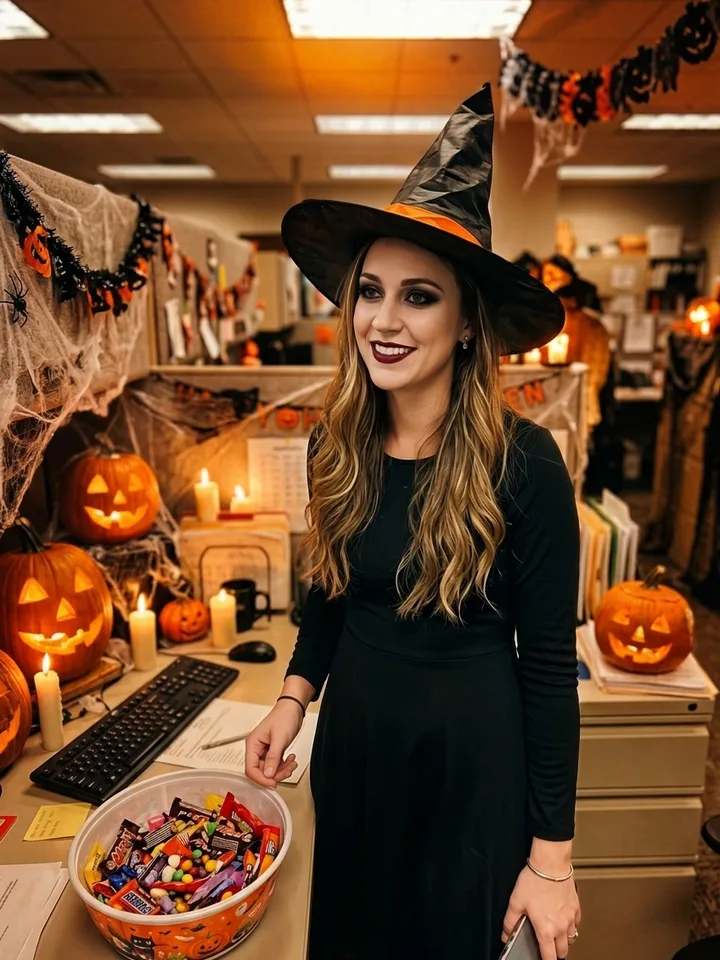
my costume wasn't that expensive either
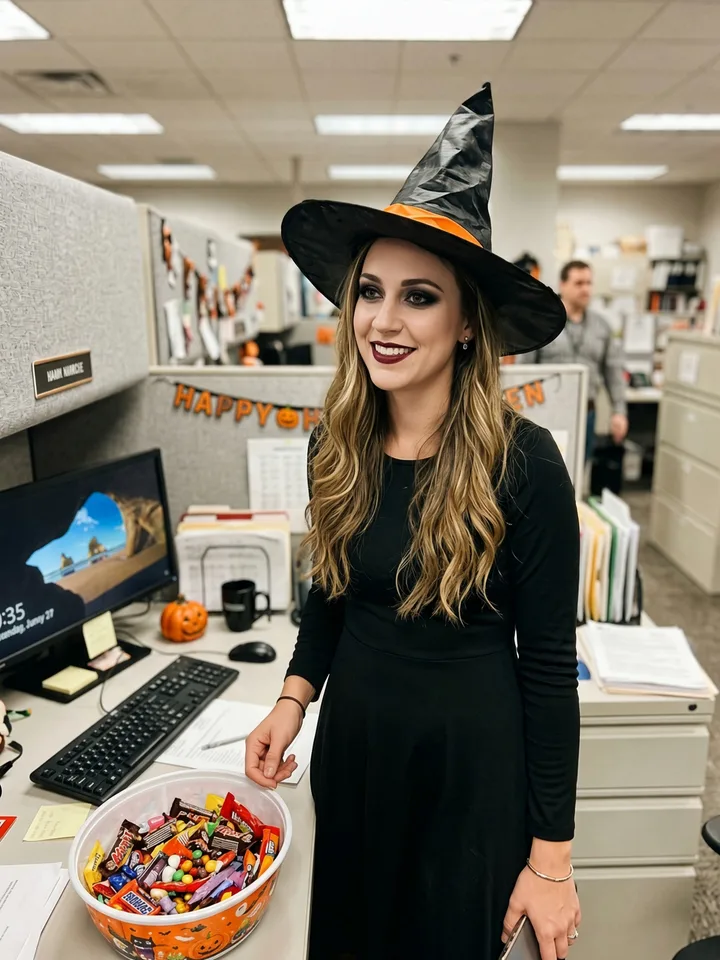
and it wasn't a fancy party
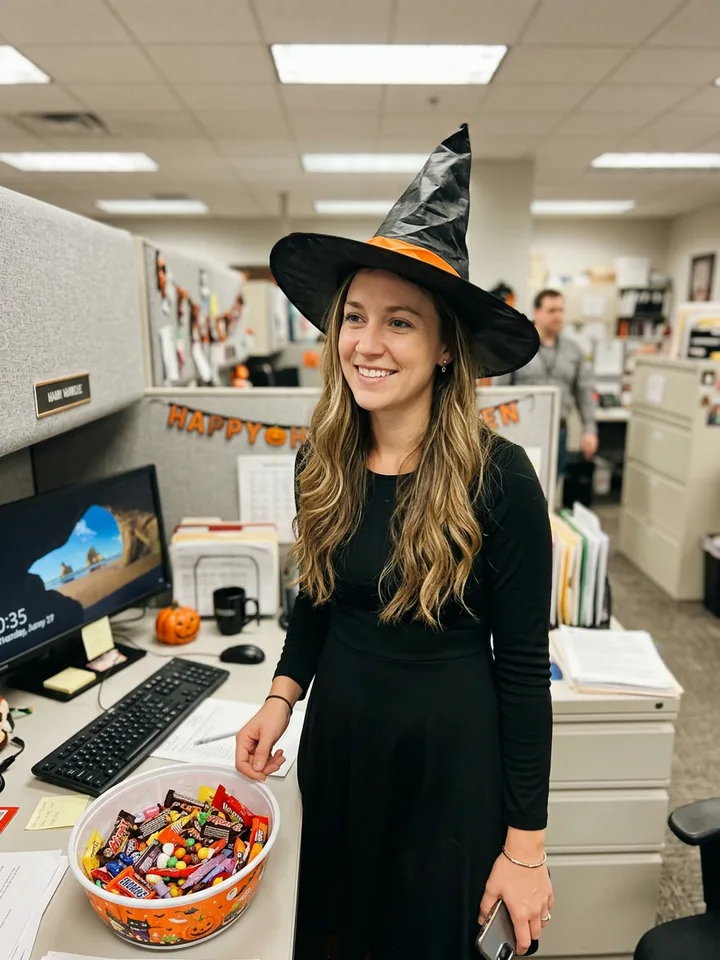
i'm so sorry
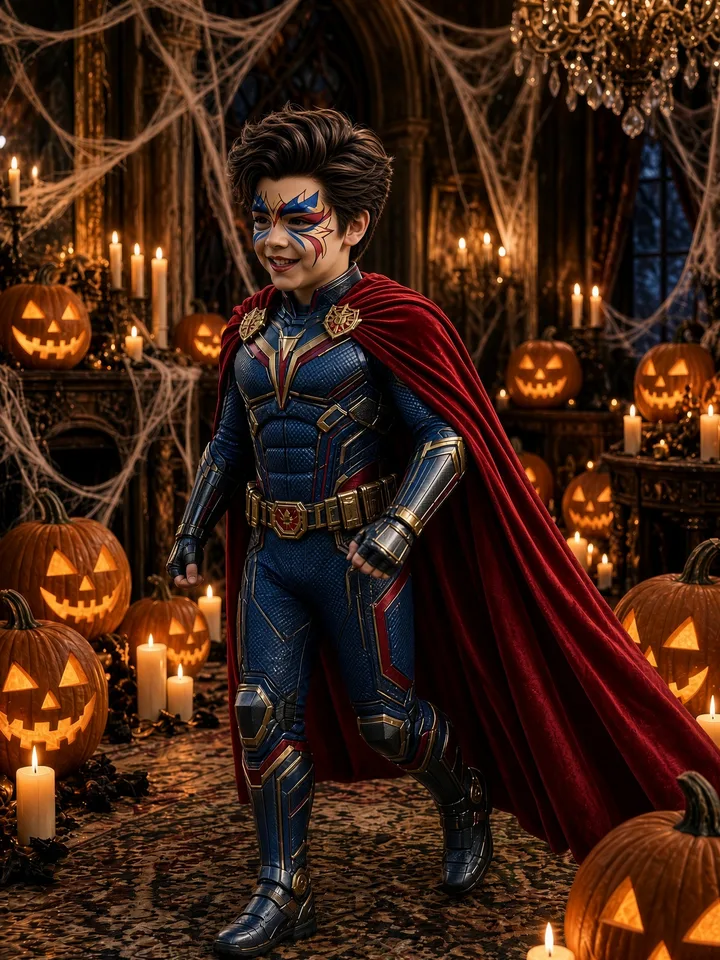
this was my halloween costume
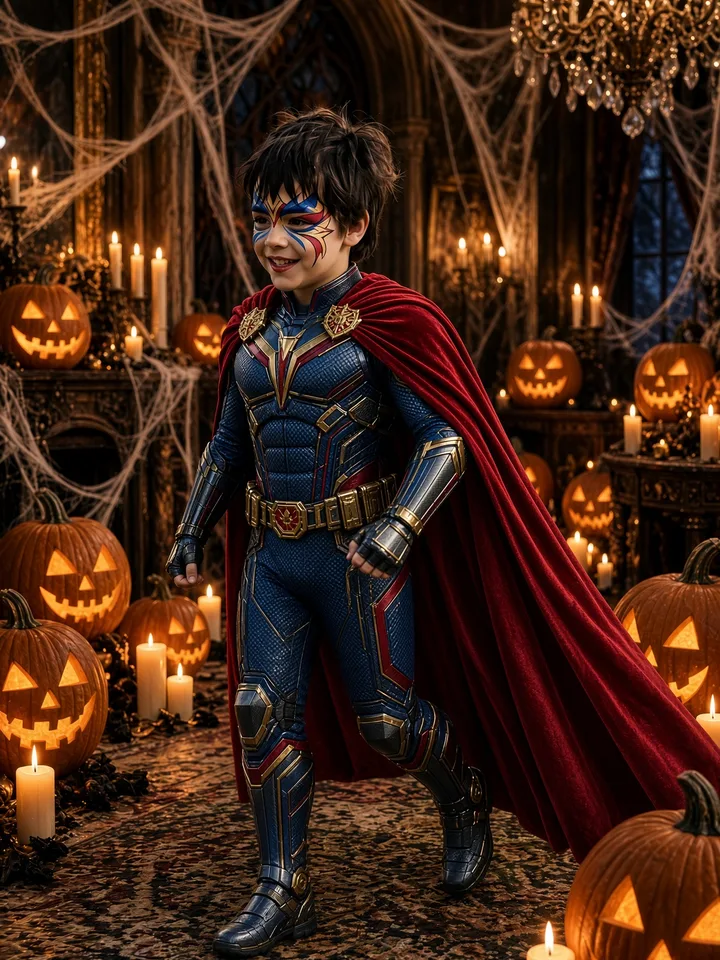
ok i lied, my wig wasn't that good
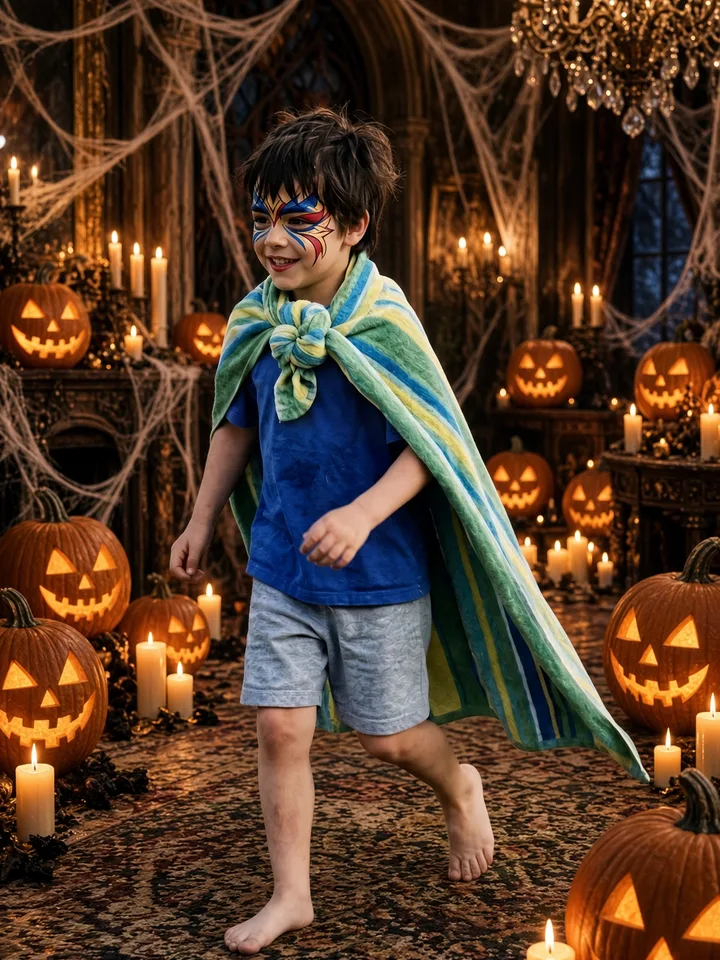
my costume wasn't that expensive either

and it wasn't a fancy party
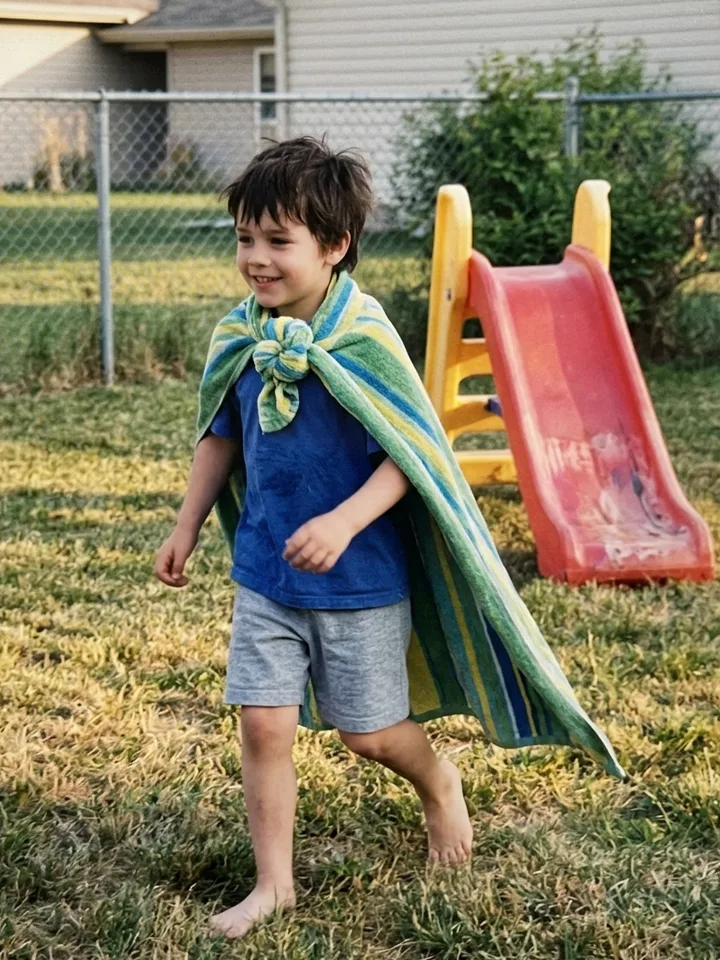
i'm so sorry
What is the costume reveal trend?
The AI Halloween costume trend is the "I'm sorry I lied" photo carousel on TikTok, October 2026: slide 1 is an AI-made, movie-quality version of someone's Halloween costume, each next slide owns up to one thing ("ok i lied, my wig wasn't that good"), and the last slide is the real, home-made costume with "i'm so sorry". On AI Rapping you upload one photo, pick a costume, and get all 5 slides with the captions on them, for 4 credits.
How to try on an AI Halloween costume
- 1
Upload one photo
One person, face clear, upper body in the frame. An old Halloween photo works best, but any photo does.
- 2
Pick a costume
Keep your own costume and upgrade it, or pick one: Ice princess, Clown, Witch, Vampire, Superhero, Fairy, Cat.
- 3
Pick what the AI lies about
Wig, costume, party and makeup. Each one is a slide that owns up to it.
- 4
Save and post
Download the slides, post them as a TikTok photo carousel and add the trend's sound.
The captions on each slide
The words follow the viral posts. You can edit every caption before you save.
- this was my halloween costume
- ok i lied, my wig wasn't that good
- ok i lied, my costume wasn't that expensive
- ok i lied, it wasn't a fancy party
- ok i lied, my makeup wasn't that good
- i'm so sorry
Which photo works best
- One person in the photo, looking at the camera.
- Head and shoulders at least; the costume shows best from the waist up.
- Good light, no sunglasses, nothing covering the face.
- A real old costume photo is the funniest: the cheaper it was, the better the reveal.
Why everyone is posting it
The format took off on TikTok on October 19, 2026, when a post of a "princess" costume that was really a yellow wig and a pink snowsuit passed 1.3 million likes and 466,000 shares. By the last week of October the #imsorryilied tag had 8.8 million views, and searches for AI Halloween costume ideas usually double in the final week before Halloween.
Costume generator FAQ
Is the AI Halloween costume generator free?
New accounts get 5 free credits, enough for one full set of 5 slides (4 credits). After that, credit packs start at $9.99 for 10 credits and never expire.
Can I try on a Halloween costume with AI from a selfie?
Yes. One selfie or any photo with your face clear is enough. The AI keeps your face, age and pose and changes the wig, the costume, the background and the makeup.
What costumes can I pick?
Ice princess, Clown, Witch, Vampire, Superhero, Fairy, Cat, or "My costume, upgraded", which keeps the costume you already wear in the photo and makes it movie-quality.
What is the "I'm sorry I lied" trend?
A TikTok photo carousel: the first slide is an AI-perfect version of a photo, each next slide admits one lie, and the last slide is the real photo with "i'm so sorry". The Halloween version uses an old costume photo.
Can I change the captions?
Yes. Every caption can be edited before you save the slides.
How long does it take?
About 2 minutes for a set; the slides are made one after another.
Who can see my photo?
Only you. Your photo and slides are stored privately and shown only to your account.